Designing nextest’s install scripts
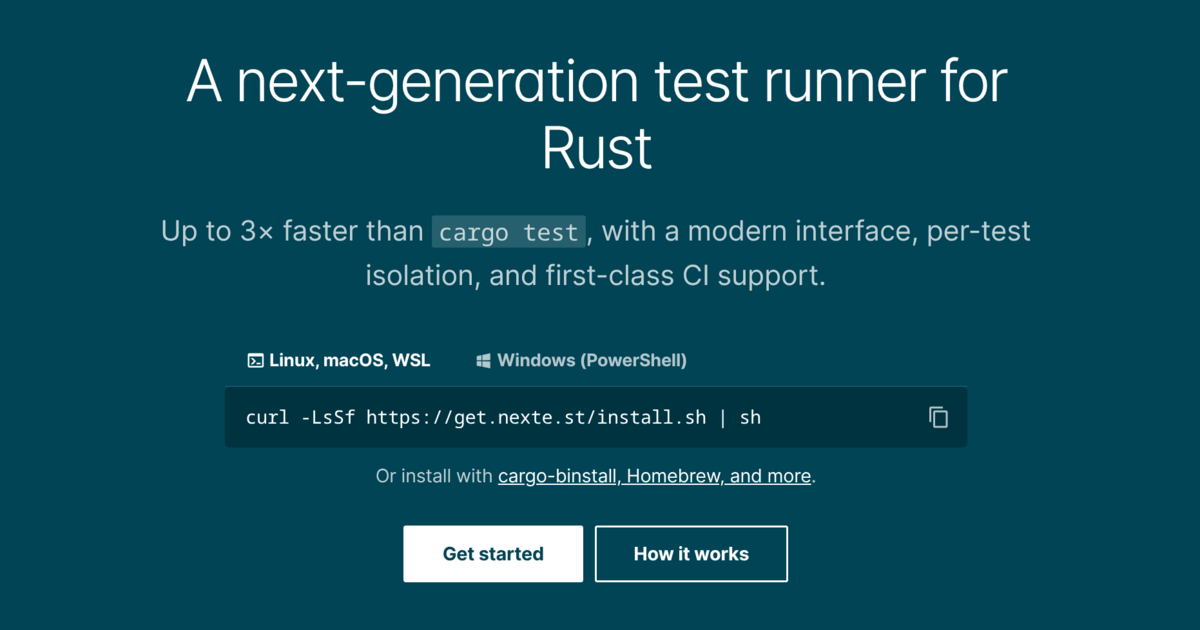
Four and a half years after I released the first version of cargo-nextest, it now has install scripts! This has been a long time coming, and I’m really happy to finally have support for them.
On Unix-like platforms, including WSL, Cygwin, and Git Bash for Windows (MSYS), you can now run install.sh:
curl -LsSf https://get.nexte.st/install.sh | sh
On Windows, you can also use PowerShell with install.ps1:
irm https://get.nexte.st/install.ps1 | iex
I wanted to write a bit about why it took so long to publish them, how they work, and how I used coding agents to meet a high quality bar.
Background#
We’ve published release binaries for the nextest project since its very earliest versions in 2022. When initially designing support for release binaries, I spent some time looking at the options for how to deliver them to users. The usual approach is an install script that you curl | sh or irm | iex, but I determined that:
- Writing install scripts is quite difficult. You have to maintain separate Unix and Windows scripts, each with its own hazards, and test in a myriad of different situations. My general philosophy while writing infrastructure is to build things in a way that I don’t have to think about them again, and I felt that any install script would have a long tail of issues I’d have to chase down. I didn’t think I had the skills required to write one that lived up to my own standards.
- Many users (quite understandably) do not like
curl | sh, and it would be a mistake for that to be the only way to install release binaries1.
Based on this, I came up with an alternate approach: produce tarballs (and a zip file for Windows), and ask people to extract it themselves. For example, on Linux, you would run:
curl -LsSf https://get.nexte.st/latest/linux | tar zxf - -C ${CARGO_HOME:-~/.cargo}/bin
Some notes:
- The URLs were backed by a redirect service (originally Netlify, now Cloudflare), with the intent to keep them relatively short.
- The binaries were built in GitHub Actions and hosted on GitHub Releases, and do not change after initial publication. (Originally, this was policy. Nowadays this is cryptographically attested via GitHub’s immutable releases feature.)
- The code to manage all this lived in a little release manager I wrote for nextest called mukti2.
But over time, the cracks started to show: while the Unix shell instructions were a single line, the Windows instructions were a five-line mess. There wasn’t a single command that worked on any platform, so nothing that could be shown on the home page. Also, on Linux, there was no way to select a statically-linked musl build automatically if the system version of glibc was too old or not present.
I felt that install scripts were going to be needed in the long term. This year, over a month of intermittent work, I finally put together a pretty solid pair of scripts. They’re tested to work in a wide variety of situations under many different failure modes, and I feel quite confident they meet the quality bar set by the rest of nextest. (The manual archive extraction path will continue to work as well.)
How the install scripts work#
Mukti has been extended to produce a text file containing archive URLs and checksums for each version, called an install manifest (example for the latest version). The manifest is designed to be easily parseable with standard word-splitting utilities present on every system, like read in Unix shells and -split in PowerShell.
The shell script works with any Bourne shell, and the PowerShell script runs on both the legacy (but installed by default on Windows) version 5.1 and the new PowerShell 7. They follow a series of steps:
- Download the install manifest for the specified version, which is always at
https://get.nexte.st/<version>/install-manifest.txt. (<version>can also be a series like0.9, or the stringlatestfor the latest release; this is carried forward from the release URLs.) - Examine the local system and determine the best candidates for the release.
- Download the best available candidate, verify its checksum, and extract the binary into the right spot.
As I expected, a production-ready install script has to deal with a surprising amount of complexity. Some examples:
- On Linux, if the system version of glibc is too old or not present, a statically-linked musl build is selected. (We do not install the musl build by default, originally because nextest on musl used
fork/execover the far more efficientposix_spawnto spawn processes. This has since been fixed, but musl is still slightly slower than glibc, likely due to a less performant memory allocator.) - On current versions of macOS, the default
shis the very outdated bash 3.2. The script works around a number of defects in this version of bash, such as a command inside anifthat fails to exec reporting exit status 1 instead of 126, an issue fixed in upstream bash back in 2014. - On Windows, one could be using a shell emulated to run on a different architecture, such as an x86_64 Git Bash on aarch64 Windows. The scripts detect such situations and install the correct version of nextest for the native architecture.
So… let’s talk agentic coding#
The install process, such as the manifest format and location at well-known URLs, was very much designed by me. I had a ton of implementation and testing help from Claude Code and Codex, though.
One way to use them, which I’m going to call the vibed approach, is:
- Tell Claude, GPT, or some other LLM, “write me an install script, make no mistakes”.
- Test it out locally and report a few bugs. Have the LLM dutifully fix those bugs by adding more code.
- Ask the LLM to add more features, adding even more code.
- Put it out into the world, and when others report defects, have the LLM fix them by adding yet more code.
This is how you end up with install scripts with hundreds of lines of repetitive sections. Earlier this year, a popular project’s install script became a somewhat notorious example of this pattern.
But this vibed approach is not how I develop software meant to be used by others. For one, nextest is not my full-time job, and I don’t want to be chasing down a steady stream of issues filed against it. More importantly, I find this approach to building infrastructure-grade software, whatever technical merits it might or might not have, to be against my values. I’m not going to give up my values in service of getting something like this out quicker.
So how did I end up using LLMs for this? Very carefully, and in a way that aimed to increase the level of rigor compared to writing the script by hand.
On the LLM side, by far the most effort went into validation. From my experience with projects at work, I knew that LLMs can be very thorough at building test harnesses that would otherwise require weeks of sustained effort. So, very early on, I decided to build an automated test harness for the installer script. The test harness defines dozens of cases with expected inputs and behaviors, and runs them on a variety of shells. The harness also has:
- An HTTP server to serve artifacts from, with a TLS frontend;
- A test helper multicall binary to inject a variety of faults, and also to hold open a running binary on Windows to ensure that the PowerShell script can replace it;
- A set of standalone tests for edge cases, including tests for truncated scripts and cleanup on interrupted downloads.
All of these are well within my capacity to build in principle, though not in any reasonable amount of time. But once the high-level properties one wants to test, such as timeouts on a stalled download, are defined, LLMs are very good at this kind of fill-in-the-blanks semantic infill.
The other large bit of work was on the human side, with design review. Over time, as I’ve gained experience with agentic tools, I’ve settled on a fairly particular — some might say peculiar — way of using them. I first run any code through automated review3 with two different LLMs. After that, I spend a lot of time manually reviewing the code.
How do I make sure I pay attention to the code I’m reviewing? For me, the most effective technique has been to ban the agents from writing comments without a special marker. To be honest, I can’t stand LLM-authored technical writing, and the comments these tools produce are uniformly terrible. But also, when I’m forced to write about how or why some code is written the way it is, I’ve consistently found a startling number of issues. Some that I found in this effort:
The tests were incredibly comprehensive at validating all the possible non-default options, but there were no tests for the most basic no-option happy path. I realized this around a third of the way into the review, and did a major rework of the test harness based on it.
In the test harness, SHA-256 hashes were represented as Rust
Strings, and the tests did a weird case-insensitive comparison. I replaced it with the byte-wrapper crate I wrote for Oxide, which provides aHexArray<N>newtype4.The scripts initially permitted HTTPS to HTTP redirects, and the tests validated that this scenario works. That is completely wrong, of course. Such redirects are now banned.
The Unix tests validated that signals performed cleanup, but there were originally no Ctrl-C tests on Windows. There are now tests for that.
A common theme across many of the defects is that an LLM will often pick a hill to climb, then climb it as thoroughly as possible, without asking whether it is the right hill to climb in the first place. The HTTPS to HTTP redirects are a rather striking example of that: at some point, Claude decided that this is what the script should do, then encoded it in the test suite. The automated review done by subsequent Claude and GPT instances likely led them to conclude “oh, the tests verify that such redirects work — clearly this must be intended behavior”. It requires human wisdom to judge that no, this is wrong.
All in all, the manual review took around 25 hours over 4 weekends. The final result was a change of around 10,000 lines of code, most of which is tests — very different from the initial work done by the LLM, and something I believe I can stand behind. I’m sure there will be a few bugfixes here and there, and maybe major feature work at some point, but overall I consider this work to be completed.
The work is generically implemented in mukti and reusable by other projects, too. I’m not totally sure mukti is fit for public consumption yet, but it’s not too far off. Given how well this works, it might finally be time to push mukti over the line. Maybe over the holidays!
Conclusion#
If a thing is worth doing, is it worth doing well? Or should you do it badly? The software industry has gone through a remarkable transformation over the last year. To my dismay, a lot of people who really should know better have chosen the latter. I’m not saying there isn’t a place for that, but I think infrastructure that others depend on demands a measured, careful approach, and I try to live up to that whenever I can.
Practically speaking, whenever I use LLMs, I cannot help but tread slowly and carefully with them. I’ve found them to be invaluable at achieving a level of rigor that I could previously only dream about, but the fact that models don’t learn too much between sessions means they continue to make elementary mistakes. My work process makes me far slower in the moment than someone who one-shots software and moves on, but in the long run it lets me be done with a component, trusting that it works, and helps me build reliable systems out of well-designed parts. I hope that if you choose to use agents, this post inspires you to have a similar mindset.
From a systems design perspective, the release binaries are already arbitrary code, so
curl | shfrom the same origin doesn’t introduce a new trust boundary. One could reasonably critique the process of publishing release binaries at all. I think that on balance, publishing them in an auditable, transparent fashion is the best approach. ↩︎Mukti is a Sanskrit, and later Hindi, word that means freedom or liberation. It has a spiritual meaning of release similar to moksha or nirvana, but also a more temporal meaning; e.g., FOSS is sometimes called mukt software in Hindi. ↩︎
My go-to is Claude Code’s bundled
/simplifyskill and thepr-review-toolkitplugin, though I also ask the agents to do an architectural/negative space review. ↩︎As a result of this process, I also built an inventory of crates that were written by myself or Oxide, or that I otherwise trust — the LLMs are now instructed to use crates from this inventory when possible. They manage to follow it most of the time. ↩︎